
Switch to Capstan

What actually moves, and what you type in by hand.

Our switching guides cover getting your data out of the tool you are on now. This page is the other half: what Capstan takes in, by what mechanism, in what order, and the parts we do not do for you. It is a shorter list than a migration page usually promises, and every line of it is something the product does today.

  • 3

    load from a file you build

  • 1

    upload against each person

  • 4

    you enter by hand

  • 1

    do not come across

Nine piles of data, four ways in, and five of the nine are typed in by hand or not carried at all. That is the honest half, and it is here rather than at the bottom.

No prices on this page. Every figure we charge is on the pricing page, because pricing is adjusted to your country and belongs in one place.

Where each pile lands, and by what mechanism

Four mechanisms, and there are only four. Each band states its rule once and then lists what travels on it, including the band where the rule is that nothing travels at all.

Three of nine

A file goes in

Three importers, and all three behave the same way. You build the file, run it as a dry run that puts every row through the real insert and rolls it back, read the failures row by row, fix them, then apply. Rows are applied independently, so one bad row never sinks the batch, and duplicates are flagged on every copy rather than silently resolved to the first one.

  • Employee directory: names, work email, employee code, join date, employment type, personal email and phone

    Lands in A person record and its employment record

    A two-sheet workbook: the grid you fill, and a reference sheet carrying your own departments, designations, work locations and legal entities plus the rules for the free-text columns, so nobody guesses a name or a date format. The placement columns are dropdowns backed by that sheet. Up to 1,000 rows at a time, and a plain CSV works if that is what your old tool gave you. Every person the import adds gets their own sign-in invitation once the batch commits. A dry run invites nobody.

  • Public holidays for the year

    Lands in A holiday calendar, assigned to as many work locations as you like

    Three columns: date, name, and kind, public or restricted. A date already on the calendar is skipped rather than failed, so re-running an overlapping file is safe. There are also six bundled country sets you can prefill in one click and then edit, for India, the United States, the United Kingdom, Singapore, the United Arab Emirates and Australia, a year at a time. The calendar also carries the working week and the limit on restricted-holiday picks.

  • Asset register: tags, serials, make, model, purchase cost and date

    Lands in The asset register, if you run the Asset Management module

    Tag is required and unique per workspace. The category is matched by name to one you have already created, and an unknown one fails the row. Rows whose tag is already on the register are skipped, so a re-run is safe.
One of nine

Files go up, one person at a time

One surface, and it is a bulk upload rather than an importer. You stand on a person’s record, drop a single zip or several loose files, and each becomes an editable row: set its category, correct the display name, preview the bytes before anything is sent. There is no manifest to write and no employee column to fill, because you are already standing on the employee.

  • Documents: contracts, IDs, education and past-employment papers

    Lands in The document store on that person, under a category you choose

    Each file takes the same upload path as a one-off, virus scan and retention rules included, so a bulk load is not a quieter or weaker path than a single one. Past payslips from your old vendor land here too. They are documents, not pay runs, and we do not present them as though they were.

Four of nine

You build it in the app

No importer exists for any of these, and writing that down is cheaper for both of us than you discovering it in week three. Two of them are deliberate rather than missing: an opening leave balance is an adjustment carrying a reason, so the ledger says where the number came from, and a contractor is a separate identity class rather than a row in the employee directory.

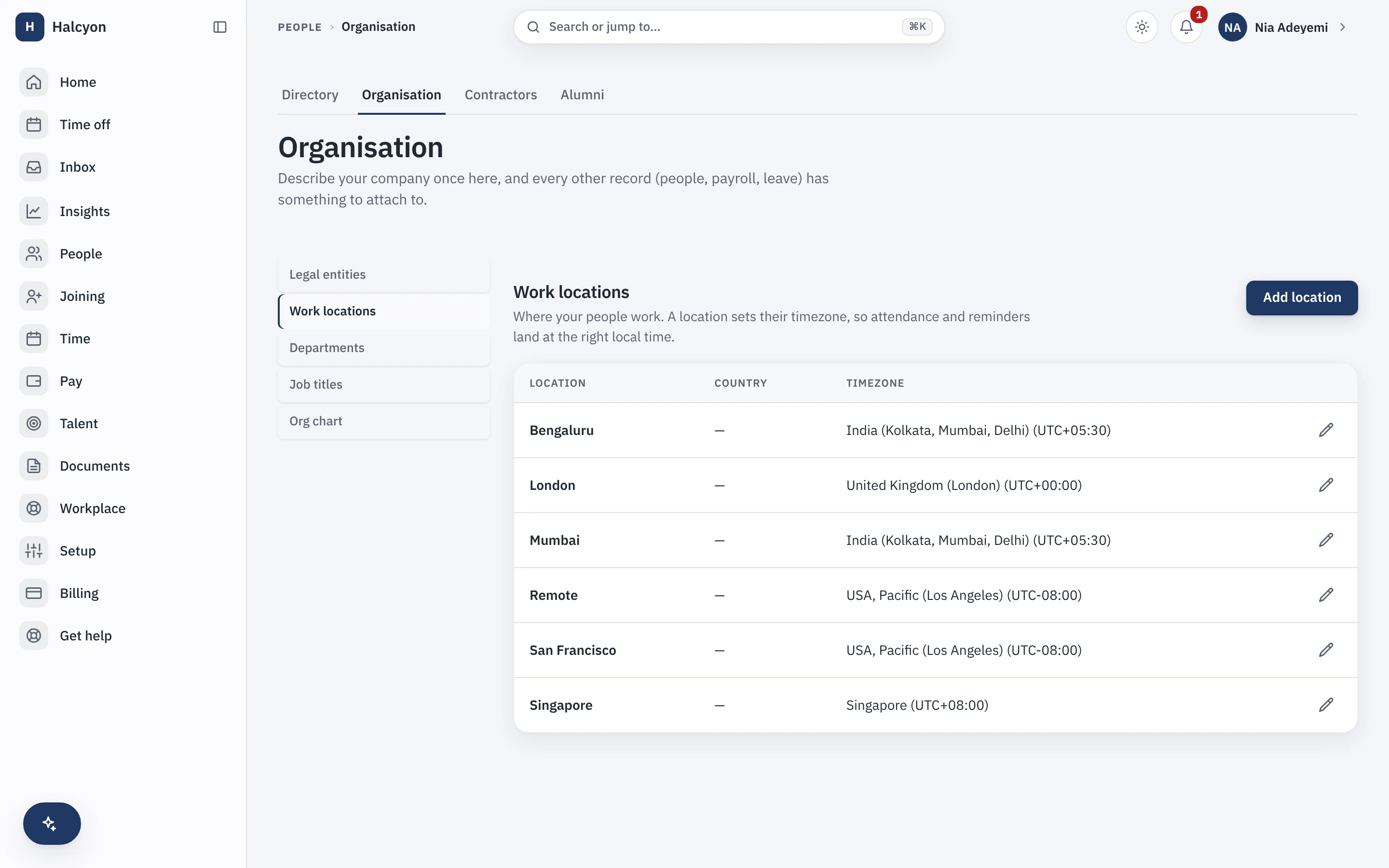
  • Departments, designations, work locations, legal entities

    Lands in Your organisation structure, which everything else hangs off

    This has to exist before the people file goes in, because placement is matched against it by name, case-insensitively. A name that does not match fails that row and reports why, rather than quietly creating something you did not ask for.

  • Leave balances as at your cutover date

    Lands in The leave ledger

    One adjustment per person per leave type, each carrying a mandatory reason. There is no bulk import for balances, which makes a clean list from your old vendor the single thing that saves you the most time.

  • Contractors who invoice you

    Lands in Contractor Management, as their own identity class

    Created and invited one at a time, to their own portal with its own invoicing and payout records. Not the employee import, and there is no contractor import either.

  • Shift rosters, and projects you bill time to

    Lands in Time & Attendance and Timesheets & Projects, if you run those modules

    Built in the app and run forward from your cutover date, so the first period you run here is the first period they cover. No roster, project or timesheet history comes across.

Entities, locations, departments and designations, built here before the people file goes in

One of nine

It does not come across at all

One pile, and it is the one people are most surprised by.

  • Effective-dated history: past salary and role changes

    Lands in Nowhere. A person arrives with the record you load, and their change history builds from that point

    Keep the history export from your old vendor, filed somewhere you control. It is your archive, not ours, and we will not be able to reconstruct it for you. A flat directory export will not contain it either, so pull the history reports separately while the old account is still live.

Everything else is created in the app too: your leave policy and types, your letter templates, your workflows and checklists. If a page like this one told you those imported, you would find out on the day it mattered.

The sequence

Setting up an HRIS has a real order, and the product enforces most of it: you cannot place a person in a department that does not exist, and you cannot run leave without a policy and a calendar. The setup checklist inside Capstan follows the same order and ticks itself off from live data.

  1. Build the organisation

    Legal entity, work locations, departments, designations. Everything else hangs off this, and the people import matches placement against it by name, so it has to exist before the file goes in.

  2. Import your people, dry run first

    Read the preview, fix the rows it names, run it again, then apply. Start with the people who are active today; you can add more files later, and re-running is safe.

  3. Invite them, or wait

    Each imported person gets their own invitation to sign in. Sign-in is a one-time code to their email, with no password anywhere, so there is nothing for anyone to set up, forget or reuse. Until invitations go out, only you can sign in, which is the useful state while you are still loading data.

  4. Set up time off

    Leave types and a holiday calendar, then opening balances per person as adjustments with a reason. The reason is mandatory on purpose: a balance that arrived from your old system should say so in the ledger.

  5. Set your go-live date

    This is the setting that makes a parallel run safe. One company-wide date, the day your team starts marking attendance here. Any working day before it counts as not expected rather than absent, so nobody is docked while they are still on the old system, and no missing-day reminders fire at them.

    If your people punch from sites with poor signal, punching is the one thing the installed app keeps doing offline: a punch queues on the device and replays when the network returns, without ever becoming two punches. The integrations page describes that boundary, including what is deliberately not available offline.

  6. Attach documents

    Person by person, from each record. This is usually the longest part of any switch, and it is worth starting before you think you need to, because most vendors export documents one file at a time.

  7. Turn on the modules you need

    Core HR works without any of them, and nothing has to be decided on day one. Enable what you need from the catalogue in one click and turn any of it off again; the terms for enabling and disabling are set out with the prices rather than restated here.

  8. Reconcile by hand, then cancel

    Pick ten people across different teams and check every field against the original, including leave balances and documents. If those ten are right, the bulk import is probably right. Cancel the old tool only after a full cycle has run here and your own exports are safely downloaded.

Five things Capstan will not do for you

Every product page here publishes its non-goals. Boundaries you learn before buying are features; boundaries you learn after are refunds. The limits on the data itself are the bands further up, where they belong to a pile rather than to a list.

  • We do not run the migration for you, there is no white-glove service on this site and no implementation consultant to assign, because we do not have one. The work above is work you do, and the product is built so that you can.
  • Nothing pulls data out of your current vendor, there are no pre-built connectors and no marketplace, by decision rather than by backlog. You export from them, and you import here.
  • We do not calculate or file your payroll, before the move or after it. Capstan holds no rate, slab, bracket or formula. It compiles your inputs, hands a documented export to your payroll partner, and files the results the partner returns back onto the record.
  • We do not migrate your integrations, and there is no connector to migrate them to. Outbound signed webhooks are the integration surface today, there are no API keys yet, so a script of yours cannot call us, and there is no inbound endpoint for you to post at.
  • We will not make leaving harder than arriving, a full export is one click, in open formats, at any time, and it sits outside the billing check on purpose, so an unpaid invoice cannot stop you taking your data, including on your way out.

What to pull from your current vendor

Pull all of this while your old account is still active and paid. Whatever is missing from that export is the work you are about to do by hand.

  • A directory export carrying names, work email, employee code, join date, employment type, and each person's department, designation, work location and legal entity.
  • Your documents, downloaded. Contracts, policy acknowledgements, ID and tax papers. Most vendors export these one file per employee, so this is the step that takes real calendar time.
  • Leave balances as at your cutover date, per person, per leave type.
  • Your holiday calendar for the current year, as dates and names.
  • Your effective-dated history, exported and filed somewhere you control. A flat directory export will not contain it, so pull the history reports separately.
  • Anything sitting inside a paid add-on. Payroll, benefits and time tracking usually hold records the core directory export does not, and each has to be exported from the add-on itself.

Weighing the two products rather than the move? The comparison pages are side by side, dated, and fair where the other tool wins. The argument for moving at all is on why switch.

Questions people ask before they move

Do you have a direct connector to Deel, Rippling, Gusto, BambooHR, Keka or greytHR?

No, and we are not building one quietly in the background. There is no integration marketplace and no pre-built connector to any HR vendor. You export from your current tool, which every one of them supports, and the spreadsheet import takes it from there. The switching guides on this site cover what to pull from each vendor and where the export usually goes wrong.

Will people be marked absent while we are still running the old system?

Not if you set your go-live date. It is a single company-wide date meaning "this is the day the team starts marking attendance in Capstan". Any working day before it is treated as not expected rather than absent, so it never becomes loss of pay and never triggers a missing-day reminder. One date covers a staggered onboarding, because everybody’s gap between their own join date and the go-live day falls before it. The floor holds in two places, the live view and the pay summary, so a day dated before go-live is never docked even if it was already finalised as absent.

Can we keep the old system running while we set Capstan up?

Yes, and you should. Nothing in Capstan requires you to cancel anything first, and the complete core is free for small teams, so a parallel run costs nothing at small headcount. Load the data, set the go-live date, reconcile a sample by hand against the source, and cancel the old tool only after a full cycle has run cleanly here. The pricing page carries what a paid plan costs and what happens if a term ever lapses.

How do we get our data back out again?

One click, any time, and it is the same job in reverse. A full tenant export is a single archive in plain tar, holding one JSON and one CSV file per entity plus every document as its original file, with a manifest listing each entity and its row count so you can check the export is complete. Requesting it is the workspace owner’s call rather than any admin’s, the link is signed and short-lived, and the request is written to your own audit log. The export endpoints deliberately sit outside the billing check, so an unpaid invoice cannot stop you taking your data.

Run both systems until you trust this one. Starting costs nothing.